These settings show what Apple AirPods Pro 2 can really do and there’s so much more than you’d expect
The Apple AirPods Pro 2 might look like a simple pair of wireless earbuds, but there are plenty of clever features hiding in their settings.
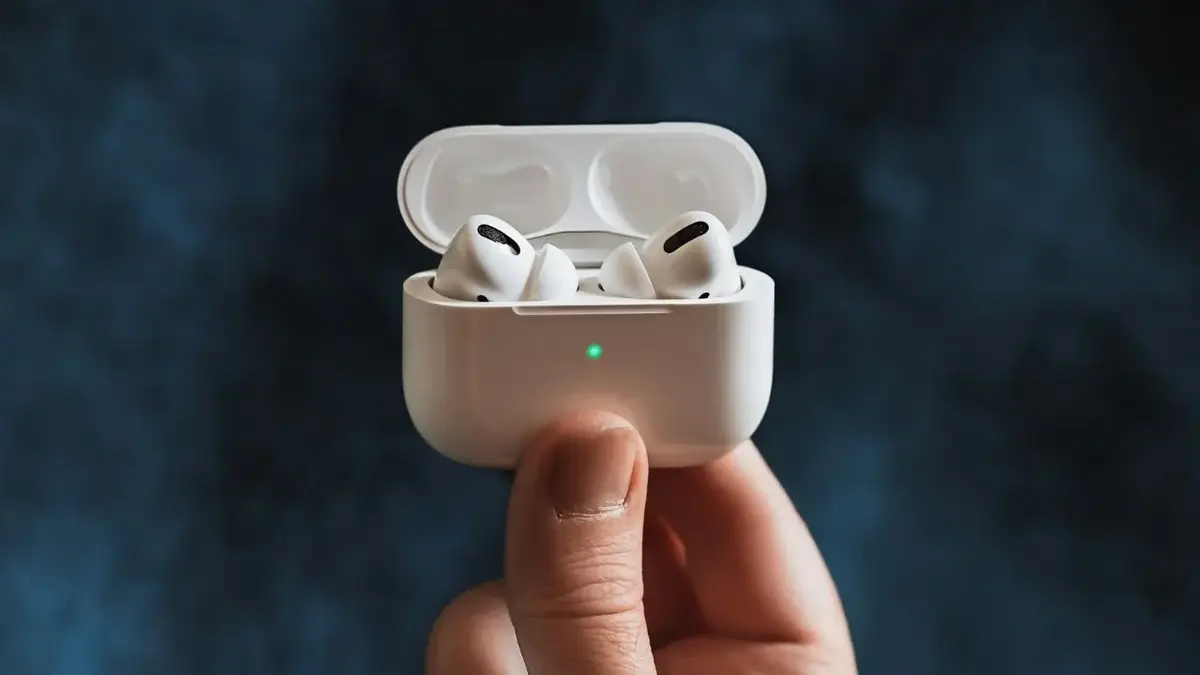

From making phone calls clearer to automatically adjusting how much outside noise you hear, Apple AirPods Pro 2 can do much more than just play music.
Some of the features are designed to make them more comfortable, while others can even help protect your hearing.
And once you know where to find them, you may wonder how you ever used your AirPods without them.
1. Personalized Spatial Audio makes sound fit your ears
AirPods Pro 2 are a gadget that can create a Personalized Spatial Audio profile using your iPhone’s camera to map the shape of your head and ears.
The result is a more personalized surround-sound experience, with compatible music, movies and other content designed to sound as though it’s coming from around you rather than directly from the earbuds.
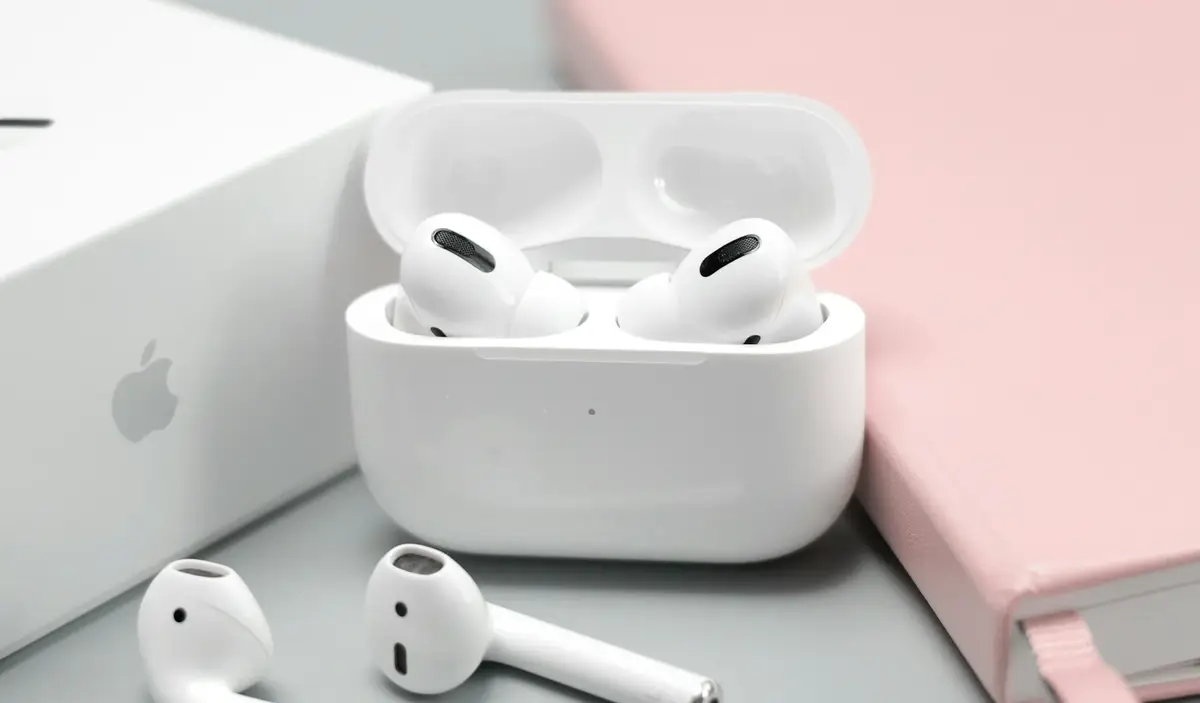
2. Voice Isolation can make your calls much clearer
If you’re constantly taking calls in noisy places, Voice Isolation can make a surprisingly big difference.
The feature uses your AirPods and iPhone to focus on your voice while reducing background noise, meaning the person on the other end of the call should have an easier time hearing you.
3. Adaptive Audio changes the noise level for you
Adaptive Audio is designed to sit somewhere between Active Noise Cancellation and Transparency mode.
It automatically adjusts how much outside sound gets through based on what’s happening around you, so you don’t have to keep switching modes every time your surroundings change.

4. Airpods Conversation Awareness knows when you start talking
AirPods Pro 2 can actually tell when you’re having a conversation.
With Conversation Awareness switched on, your AirPods automatically lower the volume of whatever you’re listening to and reduce noise cancellation when you start speaking, making it easier to chat without taking them out.
5. You can keep Noise Cancellation with just one AirPod
Normally, taking one AirPod out can change how your noise cancellation works, but there’s a setting that lets you keep Active Noise Cancellation enabled while using just one earbud.
That’s particularly useful if you want to listen to something while still keeping one ear open to what’s happening around you.
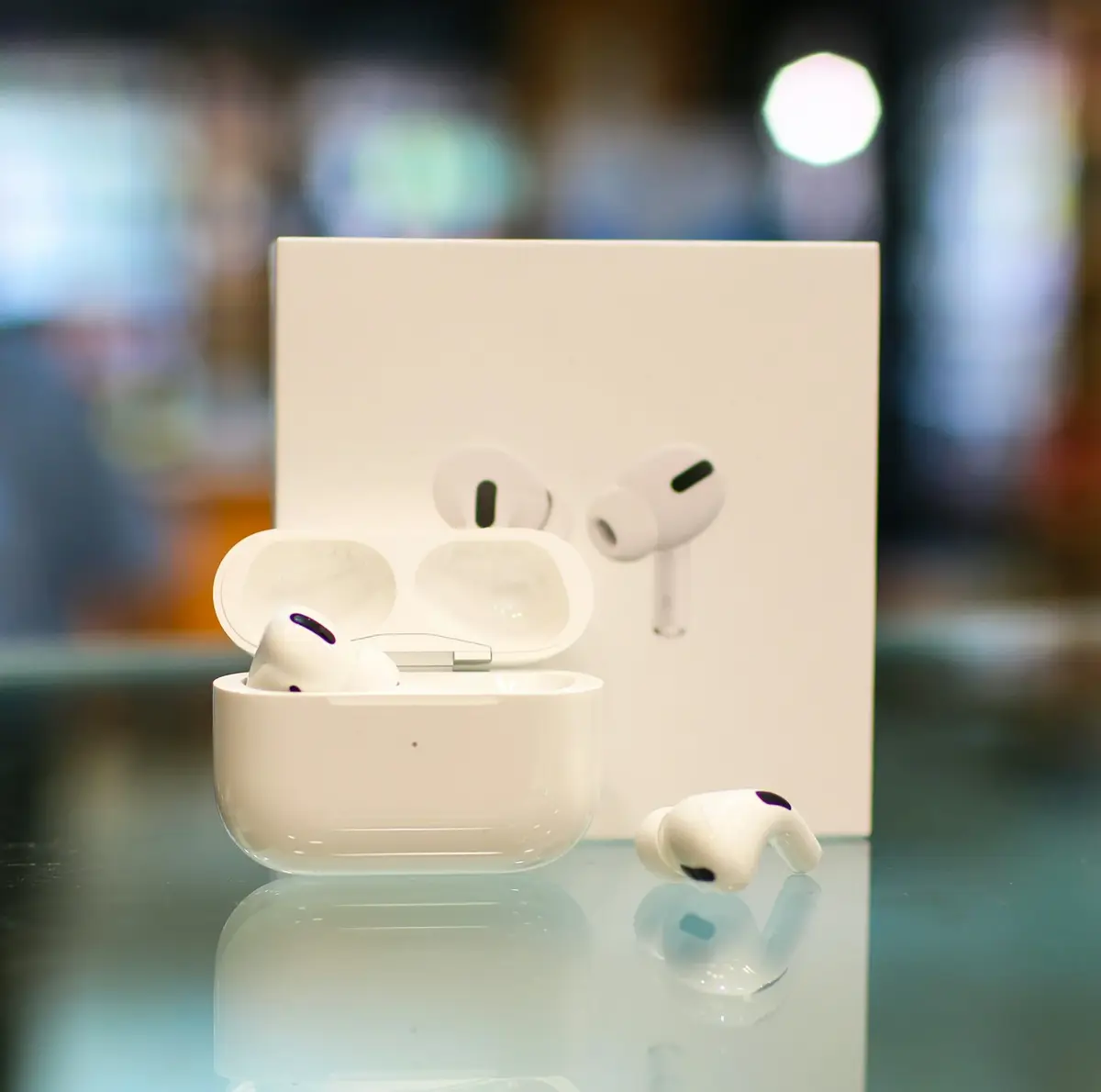
6. AirPods Pro 2 can also work as hearing aids
One of the more surprising features is that AirPods Pro 2 can be used as an over-the-counter hearing aid feature for people with perceived mild to moderate hearing loss, where the feature is available and after completing Apple’s hearing test.
The earbuds can use your hearing profile to amplify sounds, turning them into something that can do considerably more than simply stream music.
7. Loud Sound Reduction on AirPods helps protect your hearing
AirPods Pro 2 also have a feature designed to reduce your exposure to excessively loud sounds.
Loud Sound Reduction works with compatible hearing features to reduce the intensity of loud environmental sounds while still allowing you to hear what’s happening around you, which could be useful in particularly noisy environments.
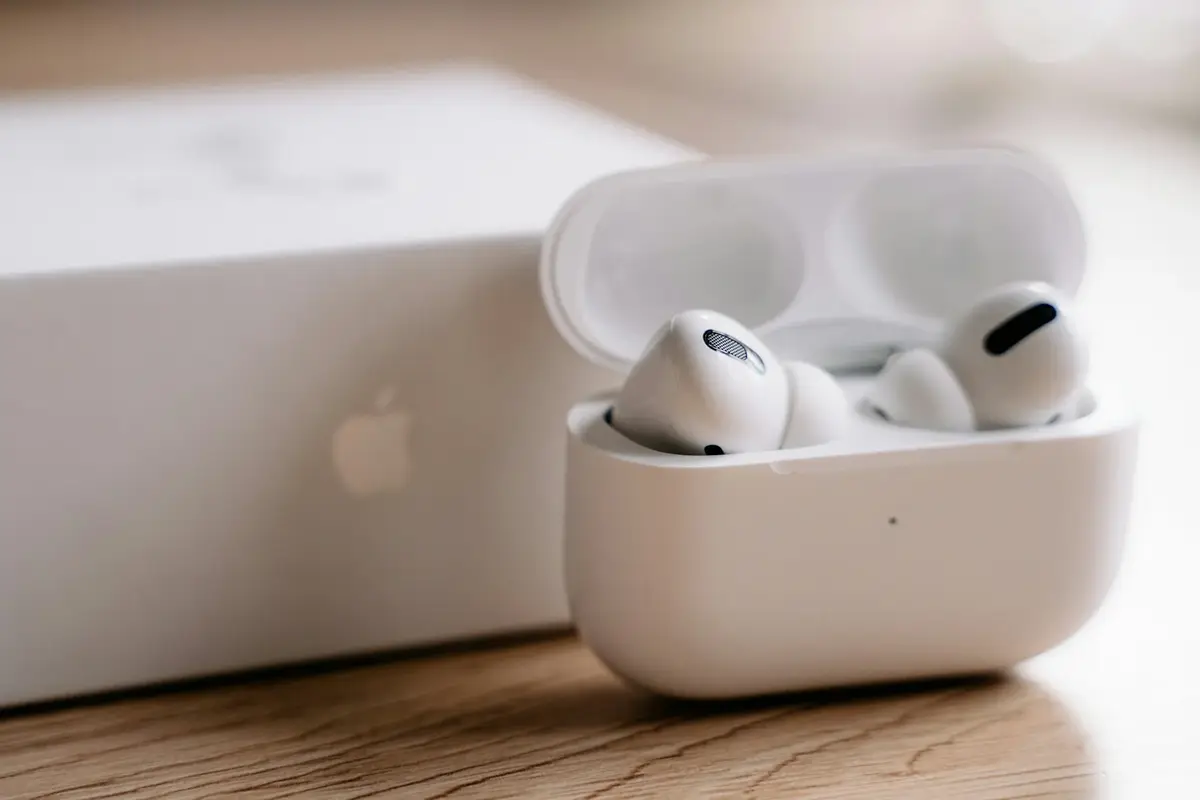
While Apple has developed more AirPods recently, it might not be time to ditch your current AirPods Pro 2 because they might still have more to give.