Apple packed major hidden features into newly-released iOS 27.2 and these are the ones to try first
Apple has rolled out iOS 27.2, and there are plenty of new tricks tucked away that iPhone owners might not have spotted yet.
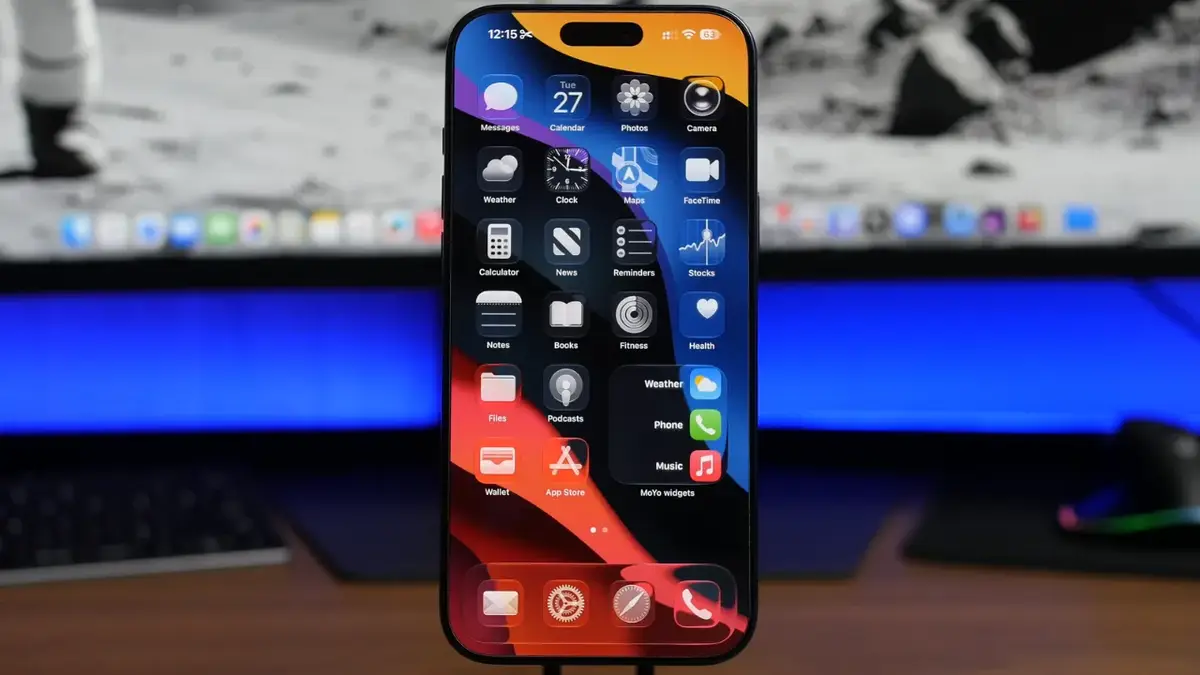

What’s new with Siri? iOS 27.2 lets users copy individual sections of Siri’s responses instead of having to copy the entire reply.
FaceTime has changed. FaceTime’s dual-camera feature now works during group calls, allowing users to show themselves and their surroundings simultaneously.
Hola, Siri. Siri has expanded its language support to include French, Japanese, Korean, Portuguese and Spanish
From clever Siri upgrades to some handy changes to FaceTime, Apple Music, and Messages, the latest update has brought more to the table than a few bug fixes.
Some additions are surprisingly useful, while others are just a bit of fun to try out. Here are 10 iOS 27.2 features worth checking out first.
1. You can finally copy individual parts of Siri’s replies
Siri has become a little more convenient in iOS 27.2, particularly if you regularly ask Apple’s voice assistant questions and want to save its answers.
Previously, copying a response meant copying the entire thing, even if you only needed one sentence.
Now, you can select specific sections of Siri’s replies and copy just the information you want.

2. FaceTime dual capture now works during group calls
FaceTime’s dual capture feature lets you use your front and rear cameras simultaneously, so you can show your face while capturing what’s happening around you.
Previously, this was only available during one-to-one calls, which was a bit limiting if you wanted to use it with several people.
With iOS 27.2, Apple has finally extended the feature to group FaceTime calls.

3. Apple Music now has countdowns for upcoming albums
Music fans might want to head straight to Apple Music to try this one out.
If you follow an artist who is preparing to release a new album, their page can now display a live countdown showing how long you have to wait.
It includes days, hours, minutes, and seconds, so you can watch the clock tick down until the big release.

4. Managing your emergency contacts is now easier
Apple has made a small but useful change to the way emergency contacts are displayed on iPhones.
When you open the contact card of someone listed as an emergency contact, you’ll now see a distinctive red button with a star in the middle.
Tapping it allows you to remove that person from your emergency contacts, making the list easier to manage.

5. Apple TV now lets you create multiple profiles
If you share your Apple TV account with other people, this is one feature you’ll probably appreciate.
iOS 27.2 lets you create separate profiles, meaning different people can have their own settings rather than sharing one account experience.
You can customize each profile with an image or emoji and even add a separate passcode to keep it private.

6. Apple Podcasts has received a colorful makeover
Apple has given its Podcasts app a visual refresh, starting with a redesigned home screen.
New episodes now appear at the top, with the Continue Playing section sitting just underneath them.
But the biggest visual change is that individual podcast pages now take on colors inspired by their cover artwork, giving the app a much more vibrant appearance.

7. Messages can now turn conversations into calendar events and reminders
This is a particularly handy addition for anyone who regularly receives dates, addresses or booking information through Messages.
Your iPhone can now recognize certain details in conversations and suggest quick actions based on what someone has sent you.
These include adding events to your calendar, creating reminders and notes, opening locations in Maps, and accessing flight or package tracking.

8. Siri now lets you exclude multiple apps at once
Apple has introduced a new excluded apps section in Siri’s settings, giving users more control over what the assistant learns from.
You can select multiple apps at once, preventing Siri from using information from those apps to generate suggestions or recommendations.
Just be careful which ones you choose, as excluded apps won’t contribute to Siri’s learning experience.

9. Siri now supports five more languages
Apple is continuing to expand its upgraded Siri experience, and iOS 27.2 brings support for five additional languages.
These are French, Japanese, Korean, Portuguese and Spanish, opening up the assistant to even more users around the world.
Apple will hopefully continue expanding its language support in future updates, too.

10. Apple TV now supports sign language
Another interesting addition is sign language support in the Apple TV app, which is a welcome step for accessibility.
Users can go to iPhone Settings, find the TV app section, and select the sign language option.
American and British Sign Language are currently available, but you need to switch the feature on manually.
So, there you have it: 10 hacks for how to use Apple’s newest update!