Apple releases iOS 27.2 for all iPhone users and this is everything that’s been added
Apple has rolled out iOS 27.2, bringing a fresh batch of features and improvements to compatible iPhones.
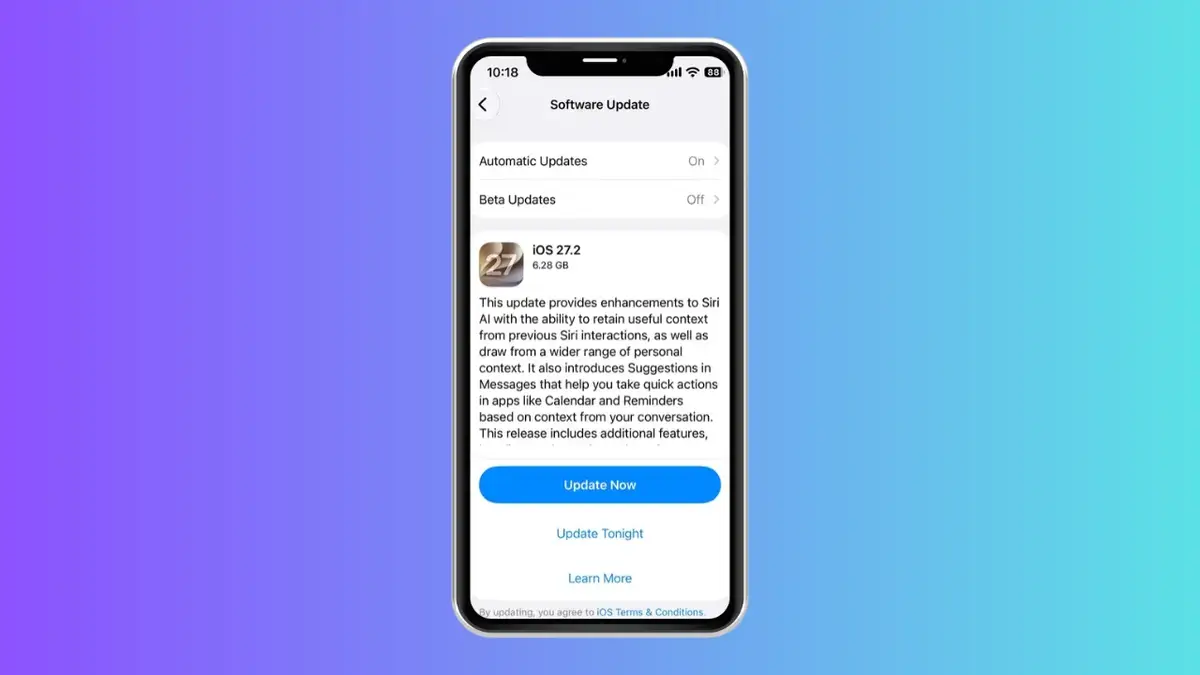

What’s New? Siri AI can remember past conversations, use more personal context and support five additional languages.
Security. iOS 27.2 includes security fixes and bug patches to help keep compatible iPhones protected.
Compatibility. iOS 27.2’s new Siri AI features require an iPhone 16 or later, or an iPhone 15 Pro or iPhone 15 Pro Max
The latest software update focuses heavily on Siri AI, making Apple’s assistant more useful for everyday tasks and expanding its language support.
There are also changes to Messages, Apple Podcasts, and the Apple TV app, alongside new features for the recently launched iPhone Duo.
Here’s everything you need to know before downloading the update.
Siri AI is getting smarter and can now speak more languages
One of the biggest changes for gadgets using iOS 27.2 is that Siri AI can now remember previous conversations, meaning users can ask follow-up questions about things the assistant discussed with them before.
Apple has also expanded the information Siri AI can draw on when answering questions, including photos shared in Messages, Calendar event attendees, voicemails, and information from Safari browsing history and Reading List.
The assistant is also becoming more accessible, with support expanding to French, Japanese, Korean, Portuguese and Spanish.

However, availability depends on the device and region, and Apple says Siri AI is not available in the European Union or mainland China.
There are smaller improvements, too.
Users can now choose which apps Siri, Search and suggestions can access through a new Excluded Apps setting, while more precise text selection makes it easier to copy just part of a response.
Messages has also received useful shortcuts that can suggest actions based on a conversation, such as adding a date to Calendar or creating a reminder.
Call Context in the Phone app can now surface saved anniversaries as well as birthday reminders.

Apple has added new features to its entertainment apps
The update brings several changes for people who use their iPhones to watch shows, follow podcasts or listen to music.
Apple TV now supports multiple viewer profiles on iPhone, allowing people sharing an account to maintain separate viewing histories and queues.
The app also gains Multiview support, letting compatible users watch up to four live sports streams simultaneously, including coverage of MLS, Formula 1 and MLB.
Apple Podcasts has also received a refreshed Up Next queue, with dedicated sections for New Episodes and Continue Playing. This should make it easier to find the latest instalments from shows you follow or return to episodes you haven’t finished.
Meanwhile, HomePod owners have something new to try.

The Sound Glow feature turns the colors from a song’s album artwork into an animated display that moves in time with the music.
A new Lock Controls setting can also disable touchscreen input on supported HomePod models, which could prove useful if a speaker starts registering unwanted touches.
The update includes further improvements to Photos, including changes to Shared Albums, as well as additional interface tweaks and security fixes.
iPhone Duo gets Apple Pencil support and there’s a reason to update now
Owners of Apple’s new foldable iPhone Duo are also getting some exclusive additions.
The handset now supports the Apple Pencil (USB-C), allowing users to write and draw on either screen.
However, the support is limited to the USB-C model, so some features available with the Apple Pencil Pro are missing.

Another addition is Edge Light, which uses the display to illuminate the user’s face during video calls, effectively creating a built-in lighting aid without needing a separate ring light.
Apple has also included security updates and bug fixes in iOS 27.2, making the release worth considering even if the headline features don’t appeal to you.
To download it, open Settings on your compatible iPhone, select General, then Software Update, and then follow the on-screen instructions to install the latest version.
As always, it’s worth backing up your iPhone before installing a major software update and making sure your device has enough battery life or is connected to power.
With smarter Siri AI and several useful everyday improvements, iOS 27.2 gives iPhone owners plenty of reasons to check for the latest update.